
Public Video Link Resolver — YouTube, Instagram & More
Inspect public video links, preview available metadata, and download only the formats exposed for that source. No software installation required.
Universal Import
Paste a public link from a supported platform to inspect its metadata and currently available media options.
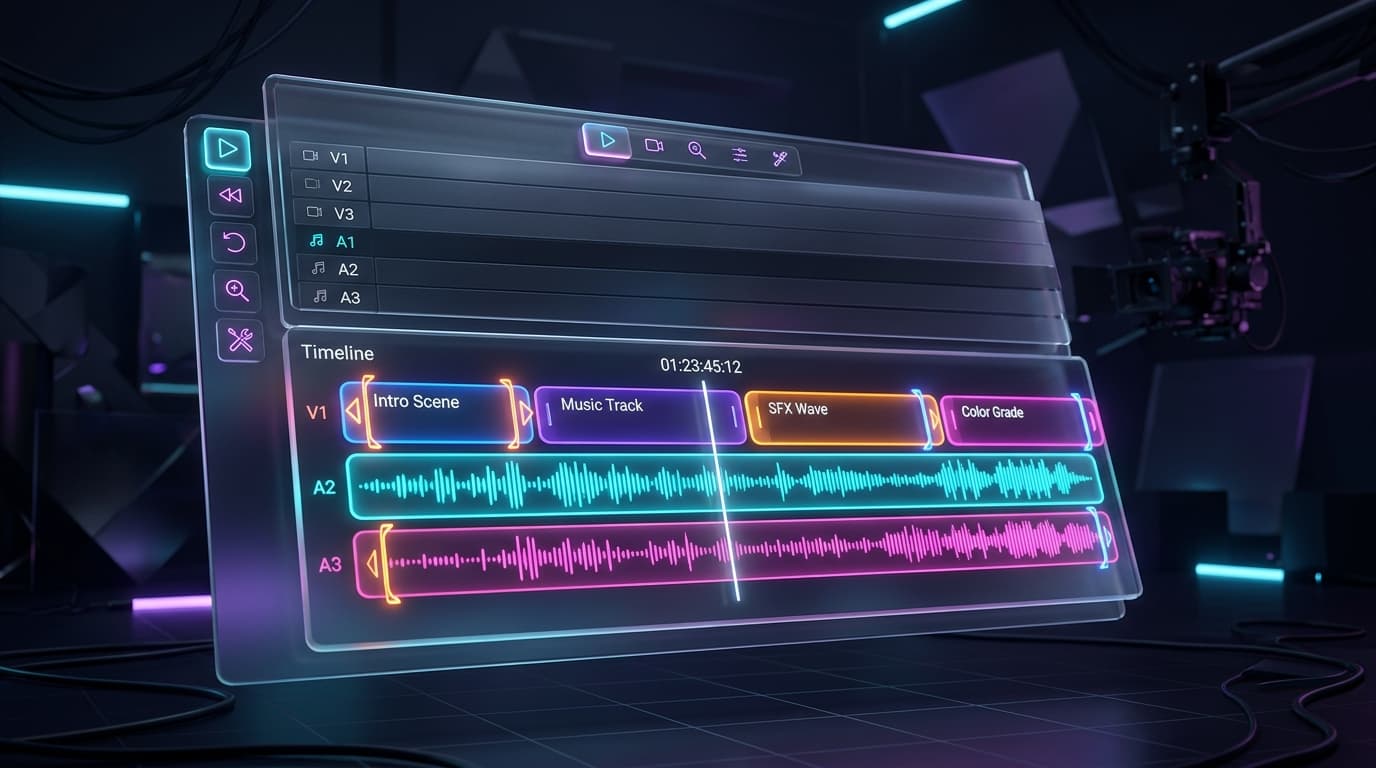
Timeline Editor
Trim, crop, or extract audio in a professional web-based timeline editor powered by FFmpeg.
Rights-Aware
We respect creator rights. Downloads are only permitted when the platform provides an authorised source.
How the Public Link Resolver Works
Copy the Link
Open the source platform and copy the full public link for media you own or have permission to use.
Paste the URL
Paste the copied link into the search box at the top of this page and click the Process button.
Review Available Options
Review the returned metadata and formats. A download option appears only when the public source exposes one that the service can process.
How to Process a Public Video Link
NexxiqAI checks a public URL in your browser and reports the media capabilities it can verify for that source. Availability varies by platform and post.
For Mobile Users (iOS & Android)
Open the social media app and locate the video you want to save.
Tap the Share button and select Copy Link.
Open your mobile browser (Safari, Chrome) and navigate to NexxiqAI.
Paste the link into NexxiqAI and review the verified options returned for that post.
For Desktop Users (Mac & PC)
Open the video in your web browser.
Copy the entire URL from the browsers address bar at the top of the screen.
Return to NexxiqAI and paste the URL into the search field.
Click Process, then use a download option only if one is shown as available.
Supported Platforms & Formats
NexxiqAI recognizes public links from major social and video platforms. It shows metadata, previews, and downloadable formats only when the source and current connector expose them. Private, restricted, or unsupported media is not unlocked.

What the Public Link Tool Provides
Source-Aware Results
See only metadata and formats that the current source connector can verify for the pasted public link.
Mobile-Friendly Workflow
Paste and inspect public links from a responsive browser interface on phones, tablets, and desktop computers.
No Software Installation
The link inspection workflow runs in the browser. Never provide a platform password, session cookie, or private account credential.
Transparent Availability
If a source is private, restricted, or temporarily unsupported, the result explains that a download is unavailable instead of promising a file.
Video Downloader FAQ
What happens after I paste a public link?
NexxiqAI validates the URL, checks the relevant connector, and returns verified metadata, a preview when supported, and any currently available media options.
Why does a link sometimes show metadata but no download?
A platform may expose a title and preview while withholding a downloadable source. Private posts, regional restrictions, platform changes, and access controls can also limit availability.
Can NexxiqAI unlock private or DRM-protected media?
No. The service is designed for public links and does not bypass private-account access controls or protected subscription media.
What content am I allowed to save?
Use the service only for media you created, content you have permission to use, or material whose licence permits downloading. A public post can still be protected by copyright.
Troubleshooting Guide
Having trouble downloading a video? Here are some quick fixes for common issues:
- Invalid Link ErrorEnsure you have copied the full, correct URL of the video, not a link to a user profile or a private page.
- Metadata Appears but Download Is UnavailableThe source currently supports inspection or preview only. Try another public link or return later after the connector is updated.
- A Previously Working Link FailsConfirm the post is still public and the full share URL has not expired. Source platforms can change their delivery systems without notice.
Privacy & Security Information
NexxiqAI uses HTTPS and never asks for a source-platform password or session cookie. Temporary processing data and files are handled as described in the Privacy Policy, and generated files become eligible for cleanup after 24 hours.
Disclaimer: By using our service, you agree to our Terms of Service. We do not host any copyrighted material on our servers. You must have the copyright owners permission before downloading or distributing their content. Read our full Privacy Policy for more information.