Pengunduh Video 4K Gratis
Pengunduh video 1080p dan 4K gratis tanpa tanda air.
Universal Import
Paste a link from major platforms or connect your own accounts to access your private archives securely.
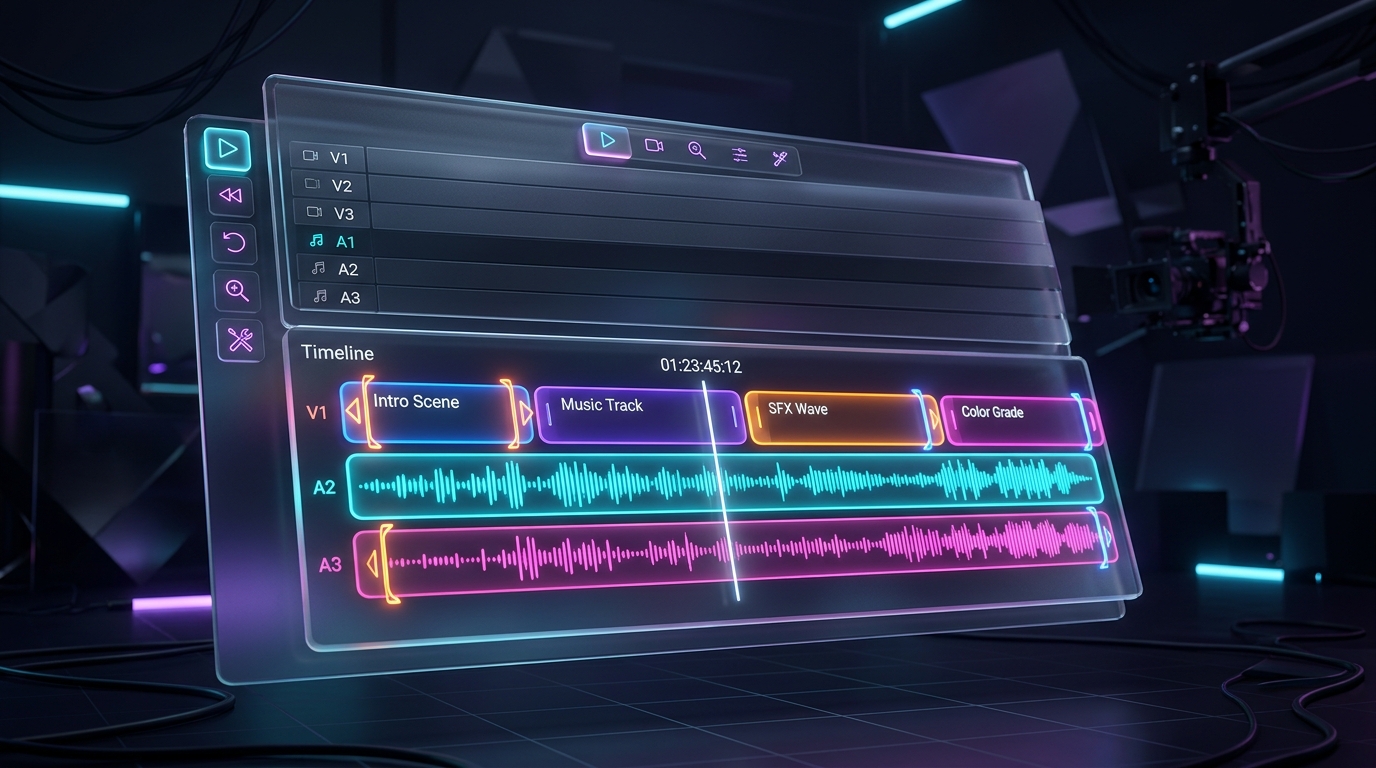
Timeline Editor
Trim, crop, or extract audio in a professional web-based timeline editor powered by FFmpeg.
Rights-Aware
We respect creator rights. Downloads are only permitted when the platform provides an authorised source.
How the Video Downloader Works
Copy the Link
Open your favorite app (YouTube, Instagram, Facebook, etc.) and copy the link of the video you want to download.
Paste the URL
Paste the copied link into the search box at the top of this page and click the Process button.
Download & Save
Select your preferred video quality (1080p, 4K) or format (MP4, MP3) and click download to save it to your device.
How to Download a Video
Downloading videos using NexxiqAI is incredibly simple and requires no software installation. Follow these quick steps whether you are on a mobile phone, tablet, or desktop computer.
For Mobile Users (iOS & Android)
Open the social media app and locate the video you want to save.
Tap the Share button and select Copy Link.
Open your mobile browser (Safari, Chrome) and navigate to NexxiqAI.
Paste the link into our downloader tool and select your download format.
For Desktop Users (Mac & PC)
Open the video in your web browser.
Copy the entire URL from the browsers address bar at the top of the screen.
Return to NexxiqAI and paste the URL into the search field.
Click Process and choose your preferred video quality to download.
Supported Platforms & Formats
NexxiqAI is an all-in-one universal video downloader. We support downloading videos in HD, 1080p, and 4K quality from almost any popular social media network or video hosting platform. You can download files in MP4 format for video, or extract the audio in MP3/WebM format.

Features & Benefits of Our Free Downloader
High Quality 4K Downloads
Download YouTube and Facebook videos in their original, uncompressed quality, including 1080p, 2K, and 4K video resolution.
Mobile Video Downloader
Our online video downloader is fully responsive. Save Instagram Reels and TikToks directly to your iPhone or Android camera roll.
No Watermark & No App
Download TikTok videos without watermark. You do not need to install any apps or software. Everything works securely in your browser.
Fast, Free & Unlimited
Experience lightning-fast download speeds with our premium dedicated servers. Download unlimited videos for free.
Video Downloader FAQ
Is this 4K video downloader completely free?
Yes! NexxiqAI is a completely free video downloader. There are no hidden fees, subscriptions, or limits on how many YouTube, Instagram, or TikTok videos you can download.
Can I download TikTok videos without watermark?
Absolutely. When you paste a TikTok link into our downloader, we automatically remove the watermark so you get a clean, high-quality MP4 file.
How do I download YouTube videos to my iPhone or Android?
Simply copy the YouTube URL, paste it into our mobile-friendly online video downloader, and tap download. On mobile, videos save to your Files app or camera roll.
Can I download Instagram Reels and Facebook videos in 1080p?
Yes, our system extracts the highest possible quality provided by the platform, meaning you can easily download 1080p or 4K videos from Instagram, Facebook, and Pinterest.
Troubleshooting Guide
Having trouble downloading a video? Here are some quick fixes for common issues:
- Invalid Link ErrorEnsure you have copied the full, correct URL of the video, not a link to a user profile or a private page.
- No Audio on DownloadSome high-quality 4K files separate video and audio streams. Make sure to select an option that explicitly includes audio.
- Download Fails to StartIf the button does not work, right-click (or long-press on mobile) the download button and select Save Link As...
Privacy & Security Information
We value your privacy. NexxiqAI uses strong encryption to ensure your connection is secure. We do not require registration, we do not log your IP address, and we do not store the videos you download.
Disclaimer: By using our service, you agree to our Terms of Service. We do not host any copyrighted material on our servers. You must have the copyright owners permission before downloading or distributing their content. Read our full Privacy Policy for more information.
The Ultimate YouTube Video Downloader for Creators
NexxiqAI provides a seamless, fast, and completely free solution for creators, editors, and archivists who need to download YouTube videos in high quality. Whether you need to back up your own content or repurpose authorized clips, our downloader supports resolutions up to 4K.
Unlike many other tools, we do not require any software installation or extensions. Everything runs directly in your browser, making it compatible across Windows, Mac, Linux, iOS, and Android.
How to Download YouTube Videos (Step-by-Step)
Copy the Link
Open the YouTube video you wish to download. Click the "Share" button and select "Copy Link".
Paste & Process
Return to NexxiqAI, paste the URL into the input field above, and click the "Process" button.
Download
Select your preferred format (MP4 or MP3) and resolution (up to 4K), then click download to save the file to your device.
Frequently Asked Questions
Are there any limits on downloads?
No, NexxiqAI offers unlimited free downloads. You can process and save as many videos as you need.
Can I download YouTube Shorts?
Yes! Just paste the URL of any YouTube Short and the tool will extract it just like a regular video.
Where are my downloaded videos saved?
Videos are saved to your device's default "Downloads" folder unless you have specified a different location in your browser settings.